

What is CMS? A Complete Beginner’s Guide for Business Owners
If you are planning to create a website for your business, you might have heard the term CMS. But what exactly is CMS? Why is it important? And how does it help your business grow online?
In this article, we will explain everything in simple and easy language.
What is CMS?
CMS stands for Content Management System.
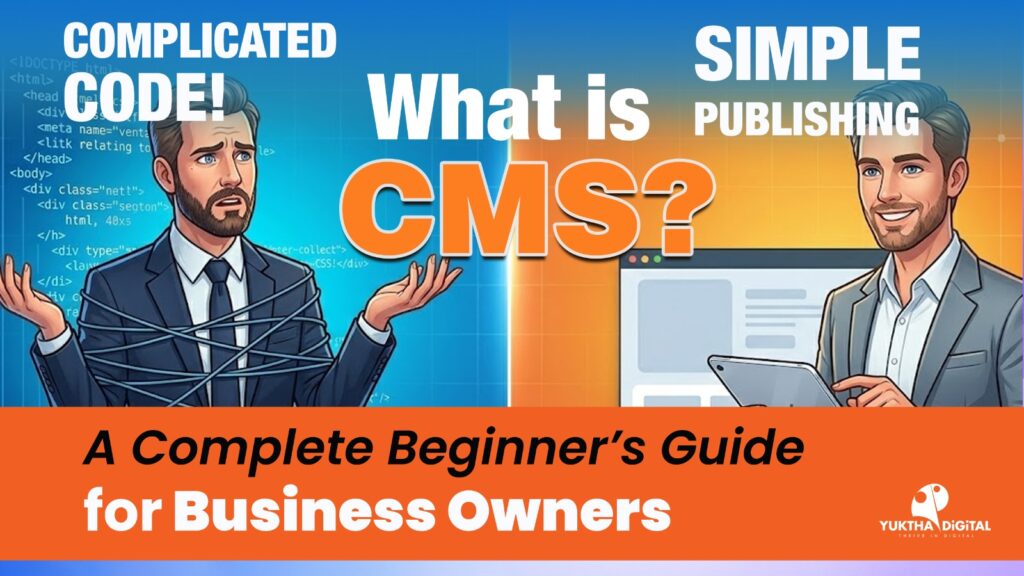
A CMS is a software tool that helps you create, manage, edit, and publish website content without needing coding knowledge.
With a CMS, you can:
- Add new pages
- Write blog posts
- Upload images and videos
- Update text anytime
- Manage your website easily
You don’t need to know programming like HTML, CSS, or PHP.
Why is CMS Important for Your Business?
In today’s digital world, every business needs a website. A CMS makes website management simple and affordable.
1. Easy to Use
You can update your website anytime without depending on a developer.
2. Cost Effective
You don’t need to hire a full-time programmer.
3. SEO Friendly
Most CMS platforms come with SEO tools to help your website rank on Google.
4. Quick Updates
You can edit offers, prices, blogs, or announcements instantly.
How Does a CMS Work?
A CMS works in two parts:
- Frontend – What visitors see on your website.
- Backend (Dashboard) – Where you manage your content.
You log in to the admin panel, make changes, and click publish. That’s it!
Popular CMS Platforms
Here are some popular CMS platforms used worldwide:
1. WordPress
- Most popular CMS in the world
- Easy to use
- SEO friendly
- Perfect for blogs and business websites
2. Joomla
- Flexible and powerful
- Good for complex websites
3. Drupal
- Advanced security
- Used for large websites
4. Shopify
- Best for online stores
- Easy product management
Types of CMS
1. Open Source CMS
Free to use and customizable.
Example: WordPress, Joomla.
2. Proprietary CMS
Paid software developed by a company.
3. E-commerce CMS
Specially designed for online shopping websites.
Who Should Use a CMS?
A CMS is perfect for:
- Small business owners
- Digital marketing agencies
- Bloggers
- E-commerce store owners
- Educational institutions
- Service providers
If you want to manage your website easily, CMS is the best solution.
Benefits of Using CMS for SEO
CMS platforms help improve your Google ranking by:
- Custom URL structure
- Meta title & description editing
- Image alt tags
- Mobile responsive themes
- Fast loading plugins
This makes it easier to attract more visitors to your website.
A Content Management System (CMS) is the backbone of modern websites. It allows you to control your website without technical skills.
If you are planning to build a professional website for your business, choosing the right CMS is very important.
At Yuktha Digital, we help businesses create powerful, SEO-friendly CMS websites that generate leads and grow online presence.
Need a CMS Website for Your Business?
📞 Contact Yuktha Digital today and build your professional website with expert support.


No Comments